Finding Lottie files to use
LottieFiles is a website where people can share and download Lottie files.
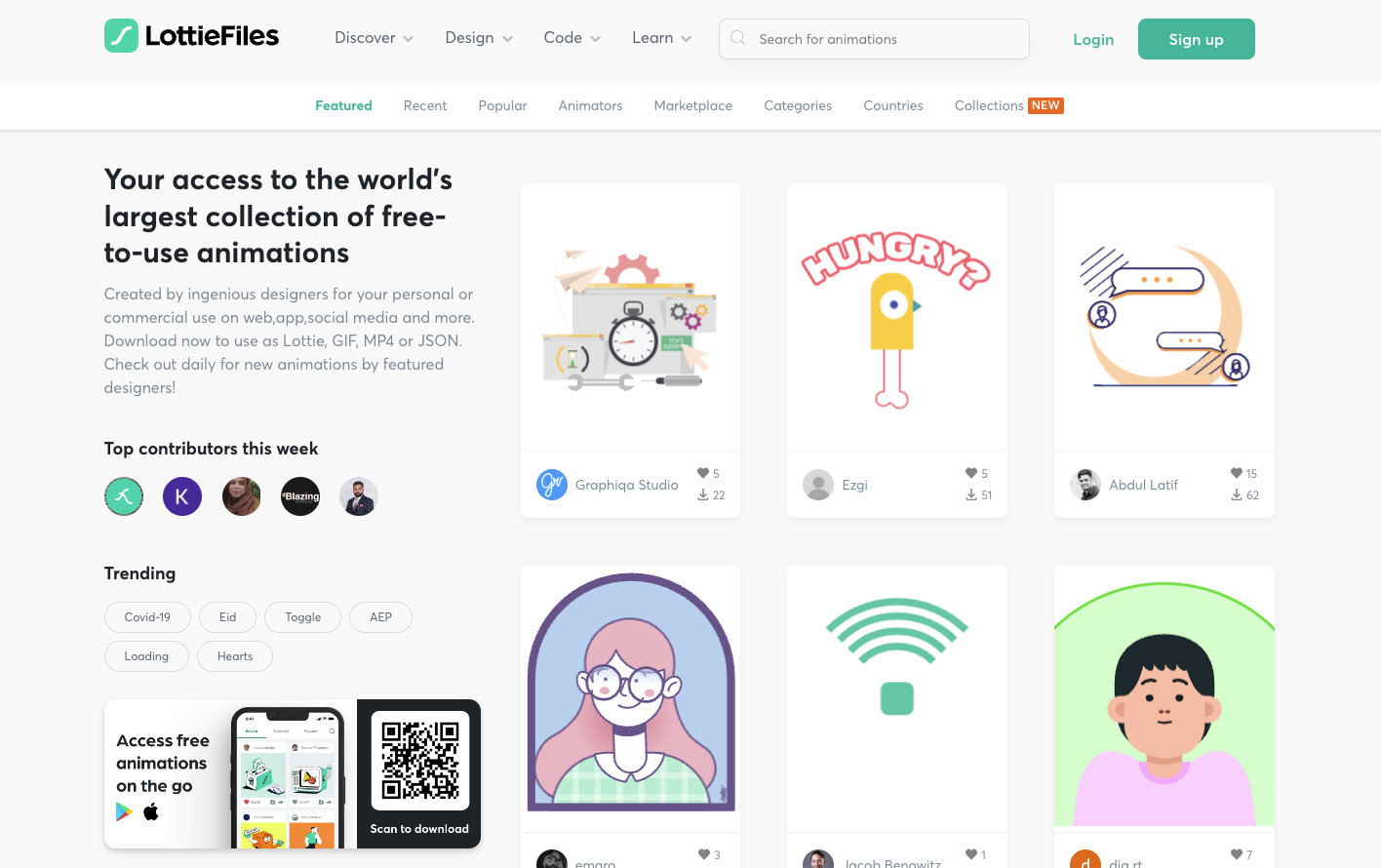
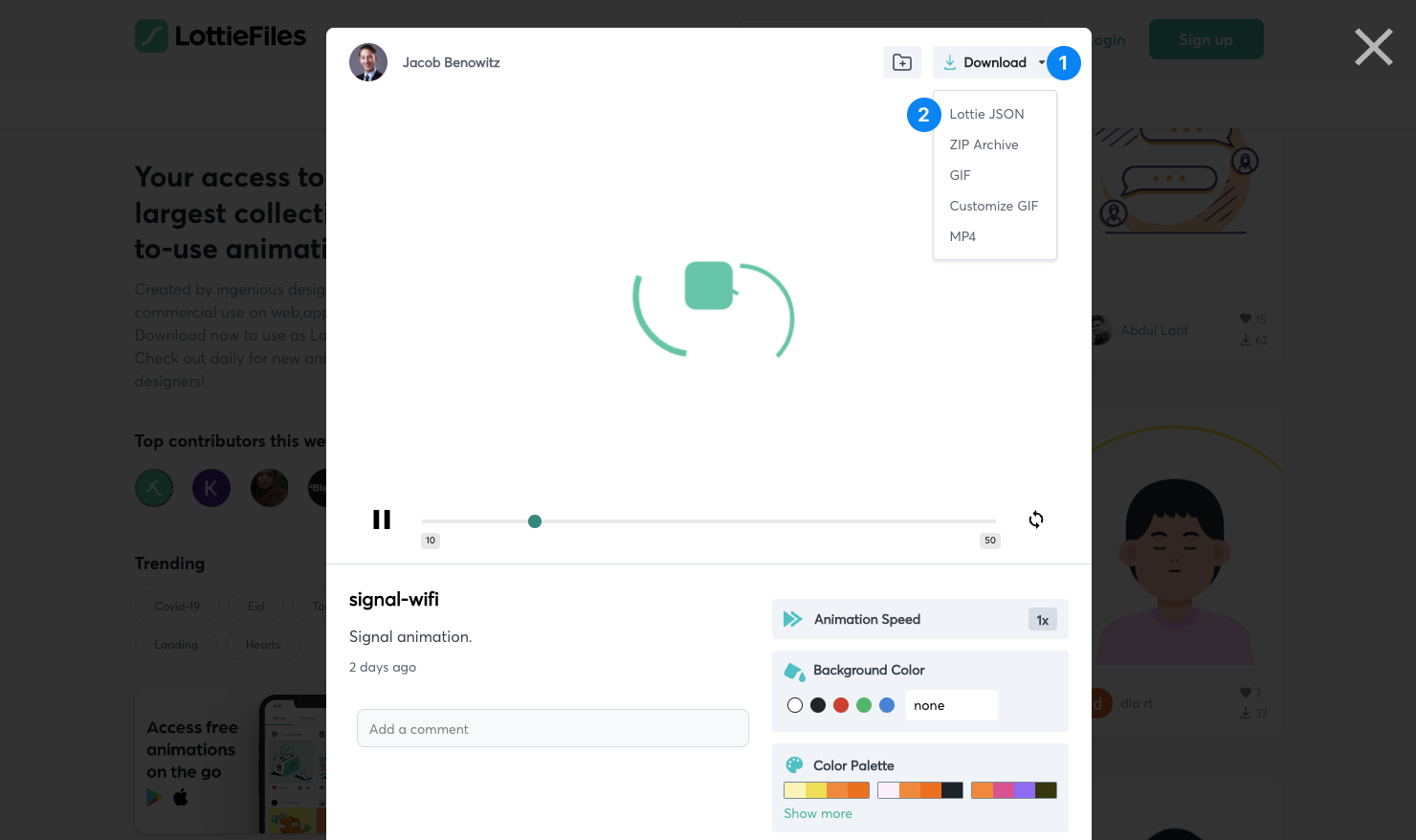
If you find a file that you like, click on it, then click Download
1
and choose Lottie JSON 2
as the format.
Import the file into Remotion
Copy the file into the Remotion project. The recommended way is to put the JSON inside the public/ folder of Remotion (create it if necessary) and then load it using staticFile():
Animation.tsximport {Lottie ,LottieAnimationData } from '@remotion/lottie'; import {useEffect ,useState } from 'react'; import {cancelRender ,continueRender ,delayRender ,staticFile } from 'remotion'; constBalloons = () => { const [handle ] =useState (() =>delayRender ('Loading Lottie animation')); const [animationData ,setAnimationData ] =useState <LottieAnimationData | null>(null);useEffect (() => {fetch (staticFile ('animation.json')) .then ((data ) =>data .json ()) .then ((json ) => {setAnimationData (json );continueRender (handle ); }) .catch ((err ) => {cancelRender (err ); }); }, [handle ]); if (!animationData ) { return null; } return <Lottie animationData ={animationData } />; };